


What I Built
WhiteboardIQ — snap a photo of any whiteboard and get back a clean, structured list of action items, owners, deadlines, and priorities in seconds.
Every team has been there: 45 minutes of productive planning, three whiteboards full of tasks and names, then someone takes a blurry phone photo and that's "the notes." Two days later nobody remembers who owned what.
WhiteboardIQ fixes that. It reads the whiteboard image with Gemma 4's native vision and returns:
- ✅ Action items with owner, deadline, and priority (inferred from visual cues — circles = High, boxes = Medium, plain text = Low)
- 🏛️ Decisions made during the session
- ❓ Open questions and blockers
- 📋 Full verbatim transcription of the whiteboard
- 📝 2–3 sentence executive summary
Export as JSON, Markdown, or CSV — paste straight into Notion, Confluence, or a spreadsheet.
Three ways to use it:
| Platform | Stack |
|---|---|
| Web app | FastAPI + drag-and-drop UI. Gemma 4 via Ollama — no API key, fully offline |
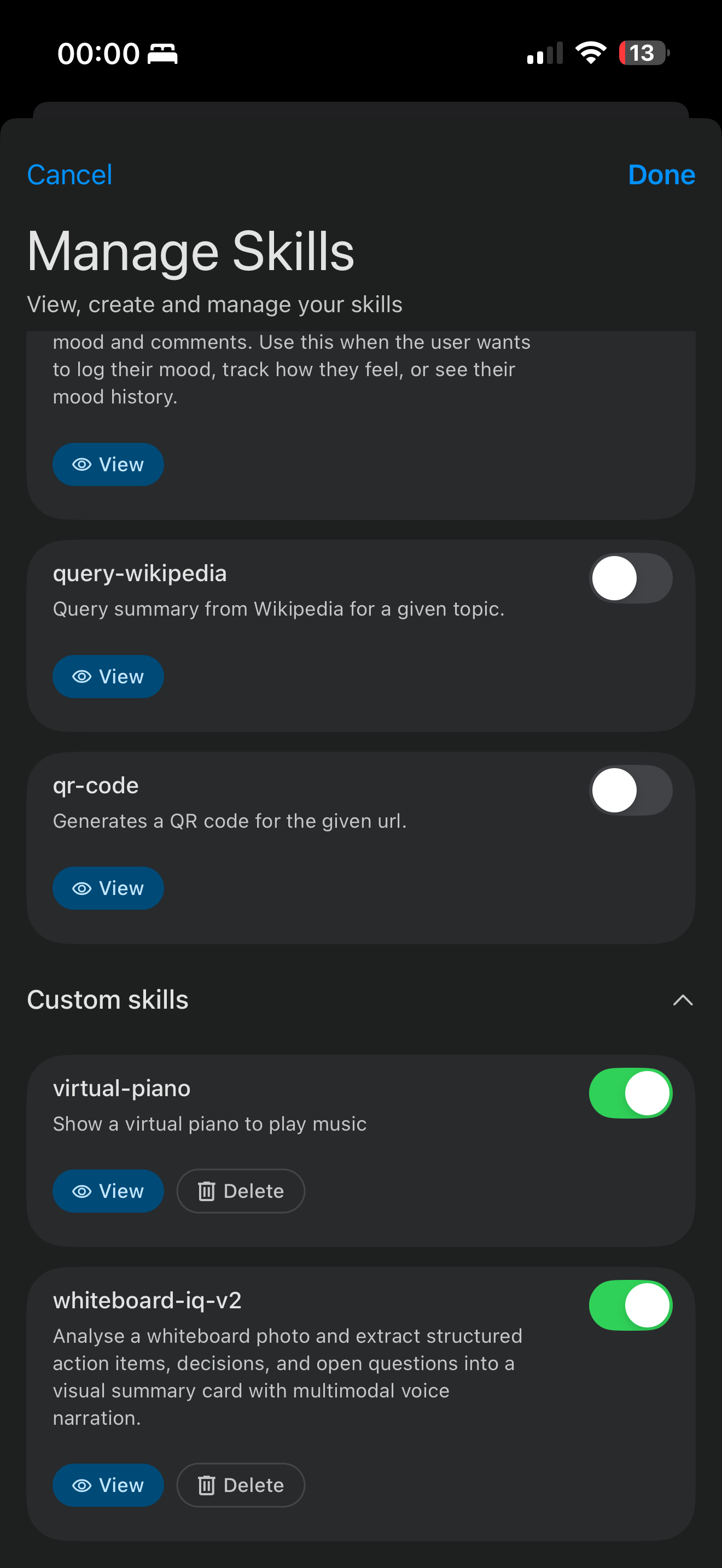
| Edge Gallery skill | Install into Google AI Edge Gallery. Gemma 4 reads and structures whiteboards inline |
Demo
Web app — drop a photo, get action items in ~8 seconds:
bash
# Prerequisites: Ollama running with Gemma 4
ollama pull gemma4:e4b
cd whiteboardiq/backend
pip install -r requirements.txt
uvicorn main:app --reload
# Open http://127.0.0.1:8000
Edge Gallery skill — install in 10 seconds:
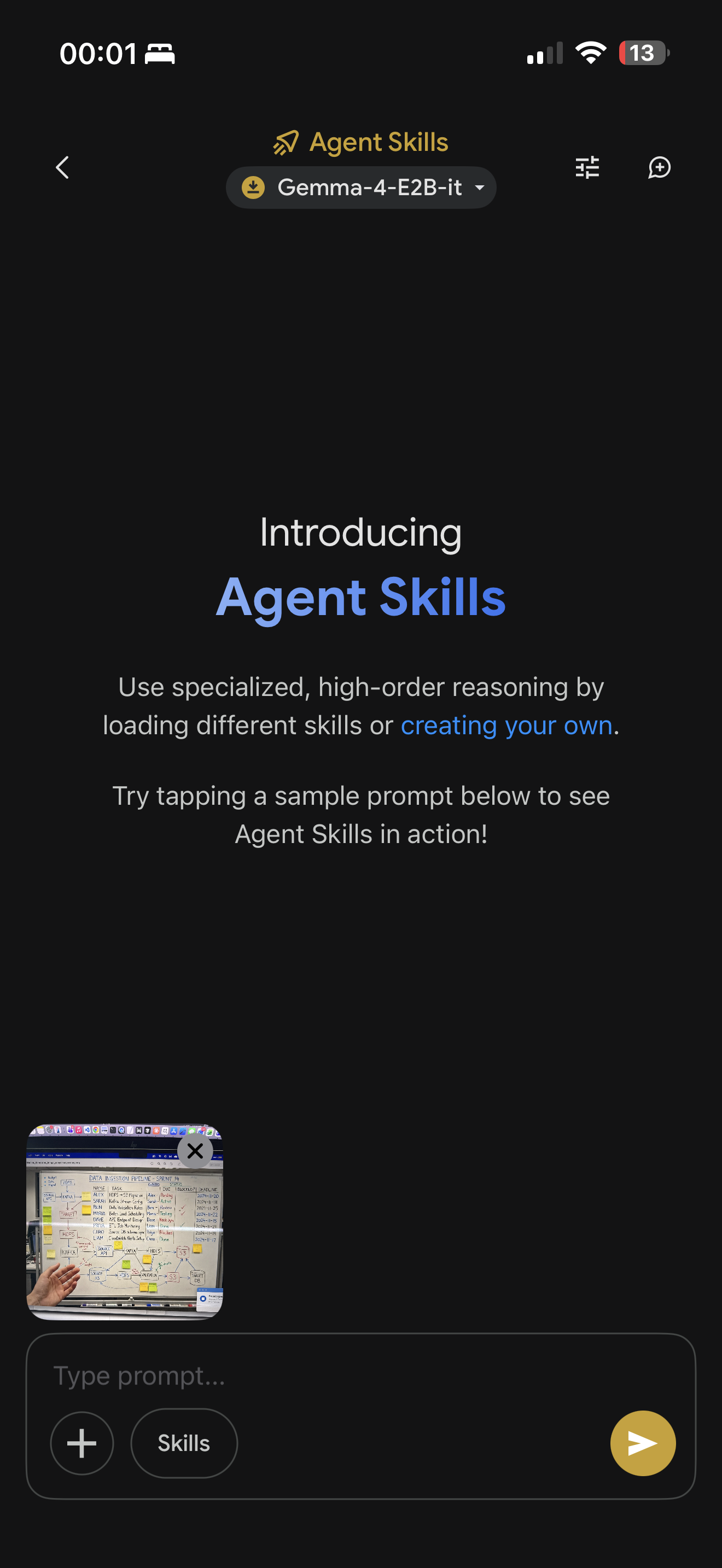
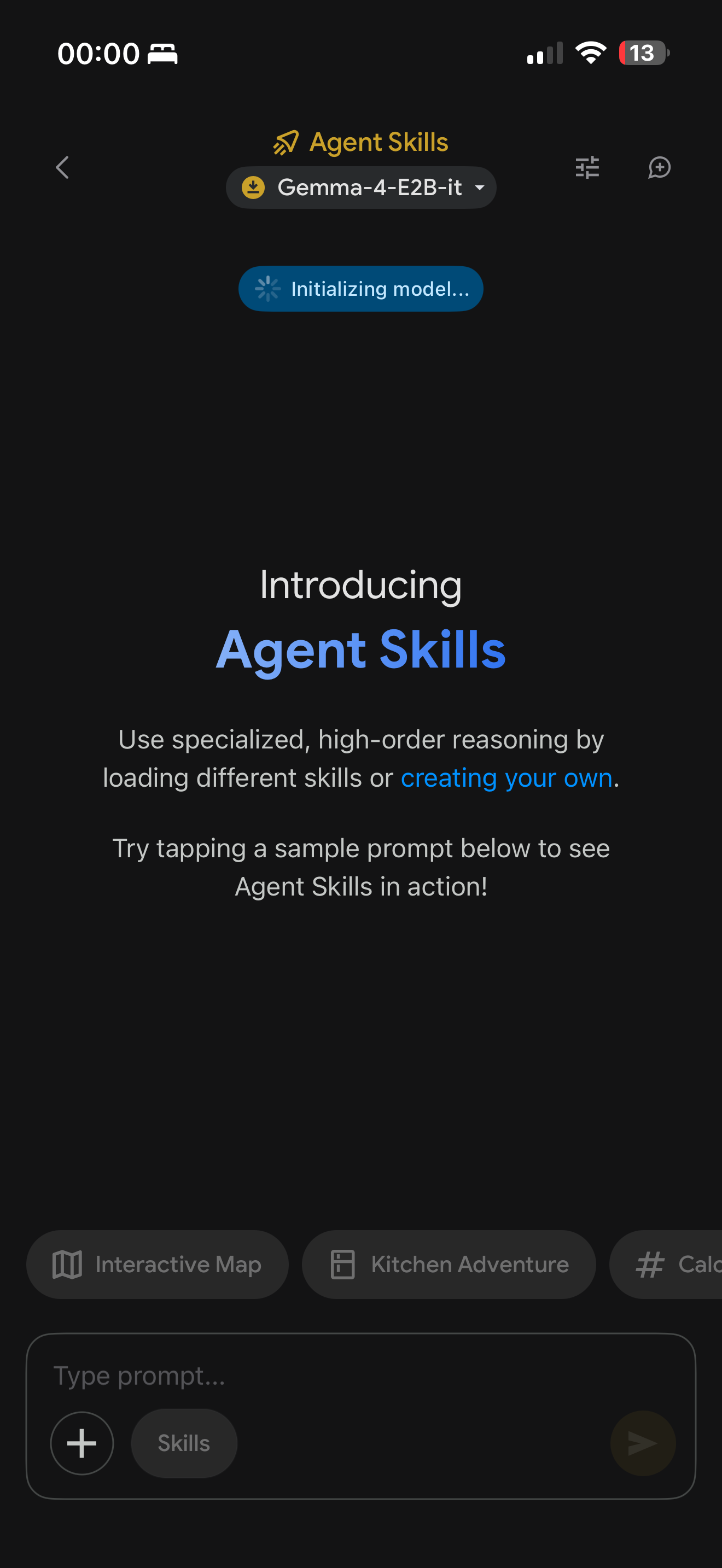
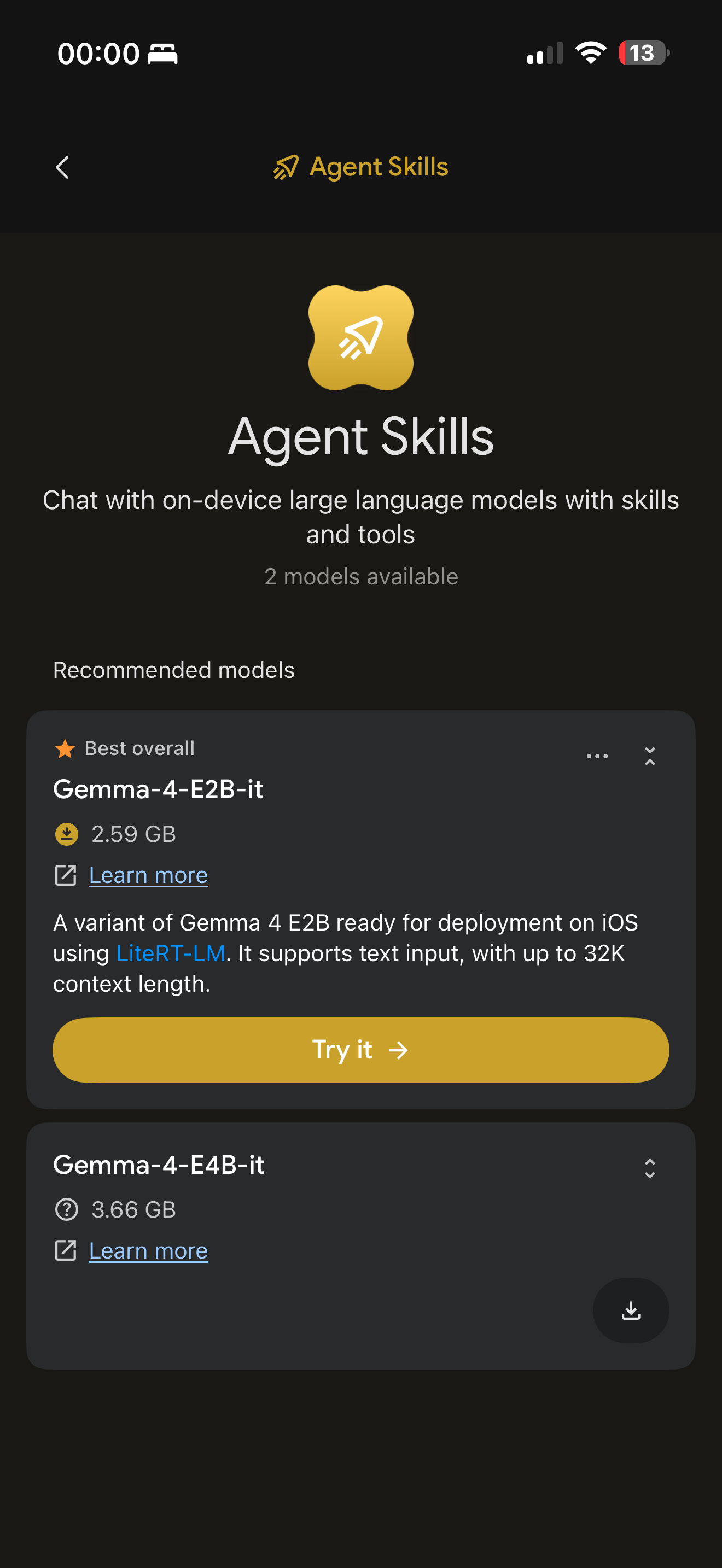
Open Edge Gallery → Agent → Skills → +
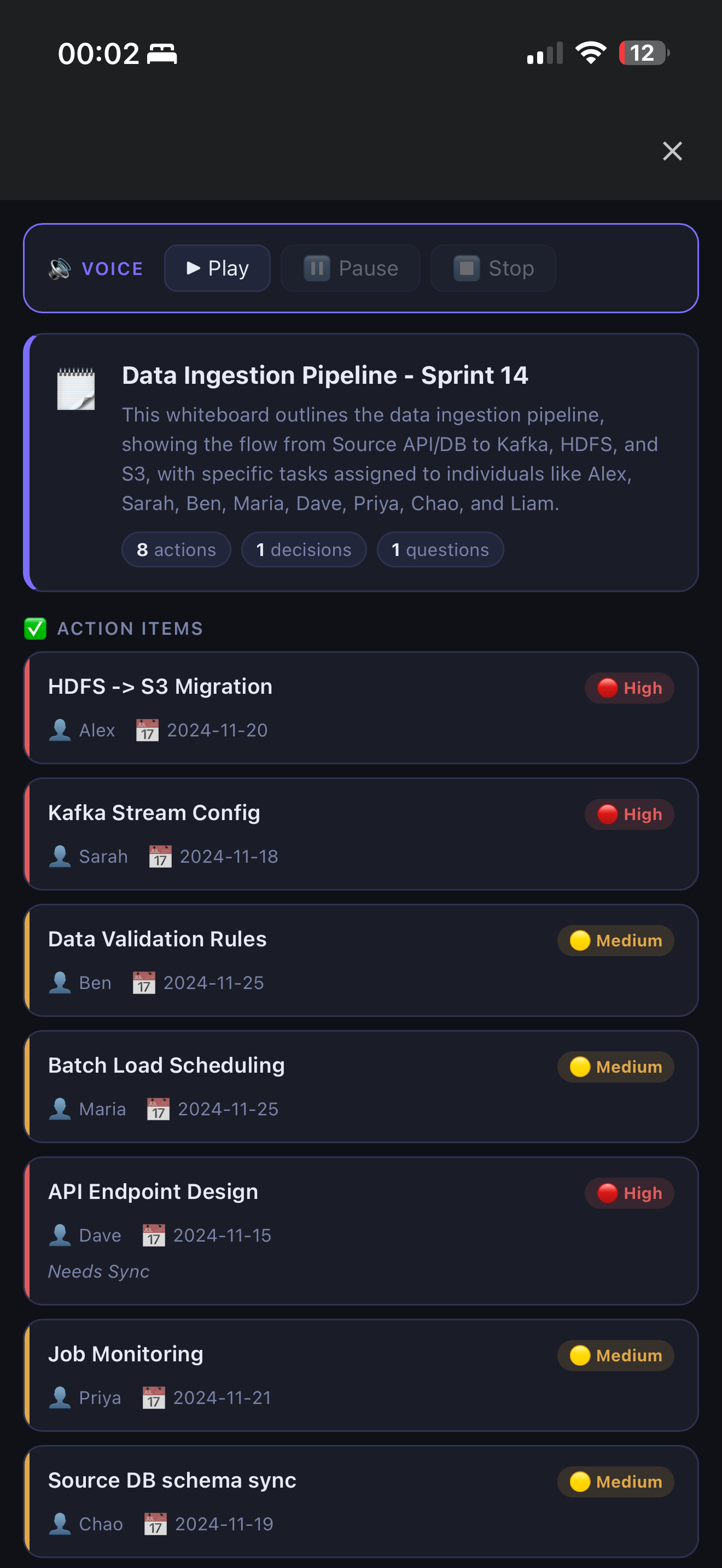
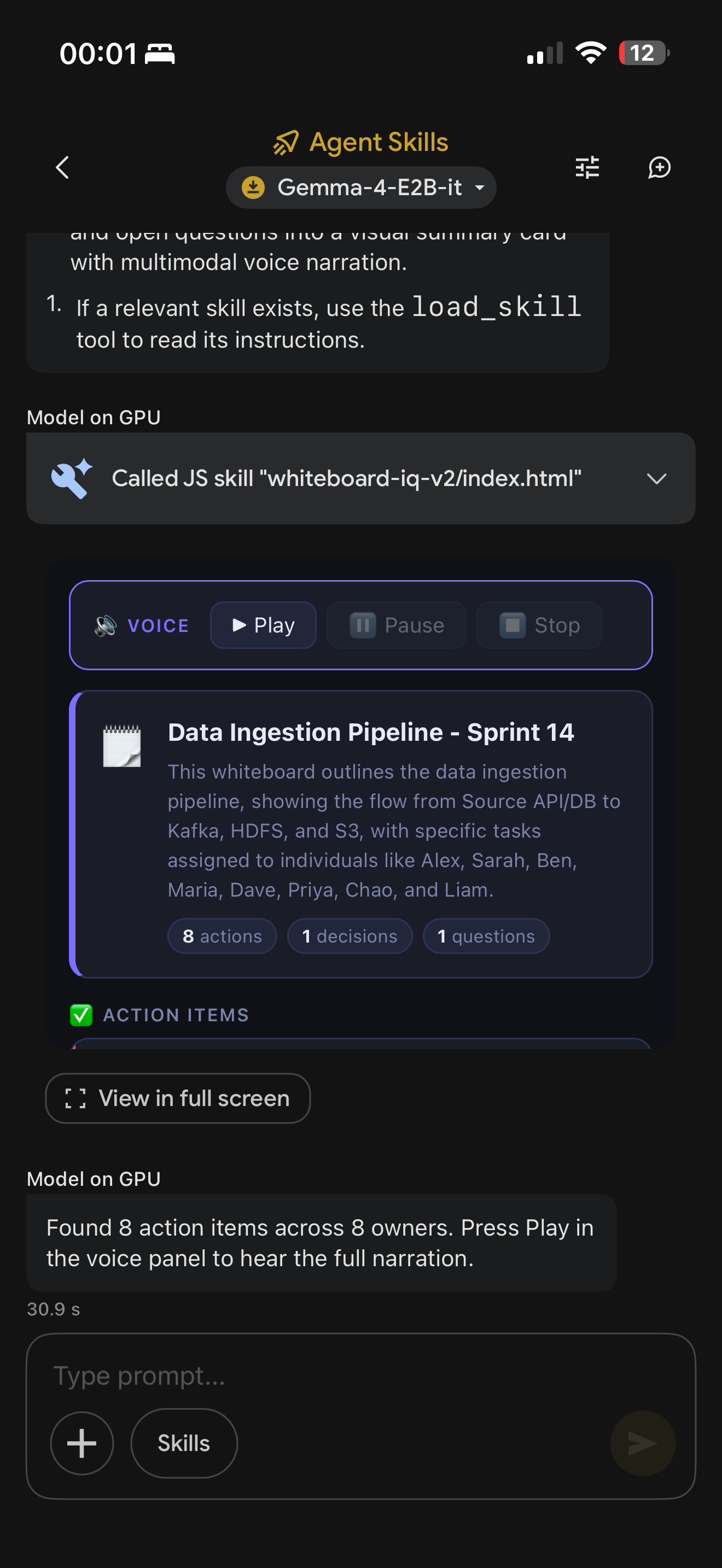
Gemma reads the board, extracts every task, and renders a live card with priority badges, owners, and deadlines — on-device, no internet required.
Install locally on iPhone (no URL needed):
AirDrop the whiteboardiq-skill/ folder to iPhone
Unzip in Files app
Edge Gallery → Skills → + → Import from file → select the folder
🔗 Web app + backend: github.com/samirzubair/GEMMA4
🔗 Edge Gallery skill: samirzubair.github.io/GEMMA4/SKILL.md
Project structure:
whiteboardiq/
├── backend/
│ ├── main.py # FastAPI — POST /extract, serves frontend
│ ├── model.py # Gemma 4 via Ollama REST API (no SDK needed)
│ └── formatter.py # JSON → Markdown / CSV
└── frontend/
├── index.html # Drag-and-drop upload UI
├── style.css # Dark-mode design system
└── app.js # Fetch, render, copy, download
whiteboardiq-skill/ # Google AI Edge Gallery skill
├── SKILL.md # Skill instructions for Gemma 4
├── scripts/
│ └── index.html # run_js entry point — relays data to webview
└── assets/
└── webview.html # Renders action items card in-app
The Gemma integration — no SDK, just Ollama REST:
def extract_from_image_bytes(image_bytes: bytes, mime_type="image/jpeg") -> dict:
payload = {
"model": "gemma4:e4b",
"prompt": EXTRACTION_PROMPT,
"images": [base64.b64encode(image_bytes).decode()],
"stream": False,
"options": {"temperature": 0.2, "num_predict": 4096},
}
req = urllib.request.Request(
"http://localhost:11434/api/generate",
data=json.dumps(payload).encode(),
headers={"Content-Type": "application/json"},
)
with urllib.request.urlopen(req, timeout=120) as resp:
return parse_json(json.loads(resp.read())["response"])
temperature: 0.2 keeps extraction grounded — higher values caused the model to hallucinate owners or deadlines not visible on the board.
The Edge Gallery skill
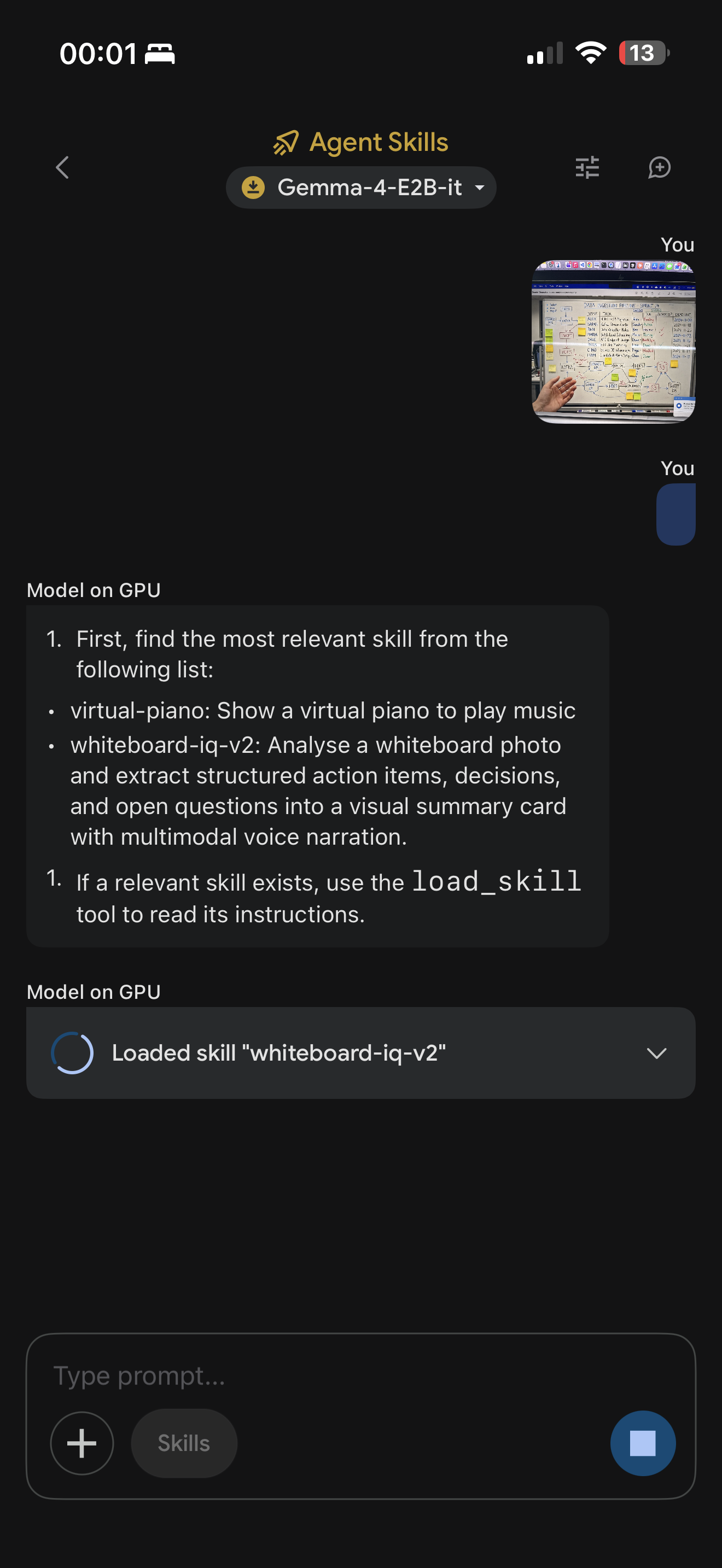
The skill uses Gemma 4's agent mode:
User sends whiteboard photo in Edge Gallery chat
Gemma reads the image with native vision
Gemma calls run_js with structured JSON (action items, decisions, questions)
scripts/index.html passes data to assets/webview.html via URL params
A dark-mode card renders inline with priority badges, owner chips, and deadlines
## Instructions (from SKILL.md)
Call the `run_js` tool using `index.html` and a JSON string for `data` with:
- action_items: Array with task, owner, deadline, priority, notes
- decisions: Array of strings
- questions: Array of strings
- meeting_context, summary
**The bigger picture: what local Gemma 4 means for enterprise AI**
Most multimodal AI tools have a quiet asterisk: your data goes to our servers.
For consumer apps that's fine. For enterprise — where whiteboards contain roadmaps, hiring decisions, financial forecasts, and unreleased product names — it's often a dealbreaker. Legal reviews it, security blocks it, and the tool never ships internally.
Gemma 4 E4B changes that equation. An 8B parameter multimodal model that runs in real-time on a laptop, fits on a phone, reads handwriting, understands context, and produces structured output — fully offline — is a fundamentally different proposition than a cloud API.
WhiteboardIQ is a small demonstration of that shift. The whiteboard use case is deliberately mundane. That's the point. If Gemma 4 can turn a blurry meeting photo into a structured JIRA-ready action list in 8 seconds on consumer hardware, the question isn't "what else can it do?" — the question is "what's left that it can't?"
you tube link


Top comments (0)